The NibbleFeed app
The day’s AI news, in a few calm minutes.
NibbleFeed turns what happened in AI today into a handful of short cards. Swipe through, tap the source when you want more, and you’re done.
Coming soon to Android
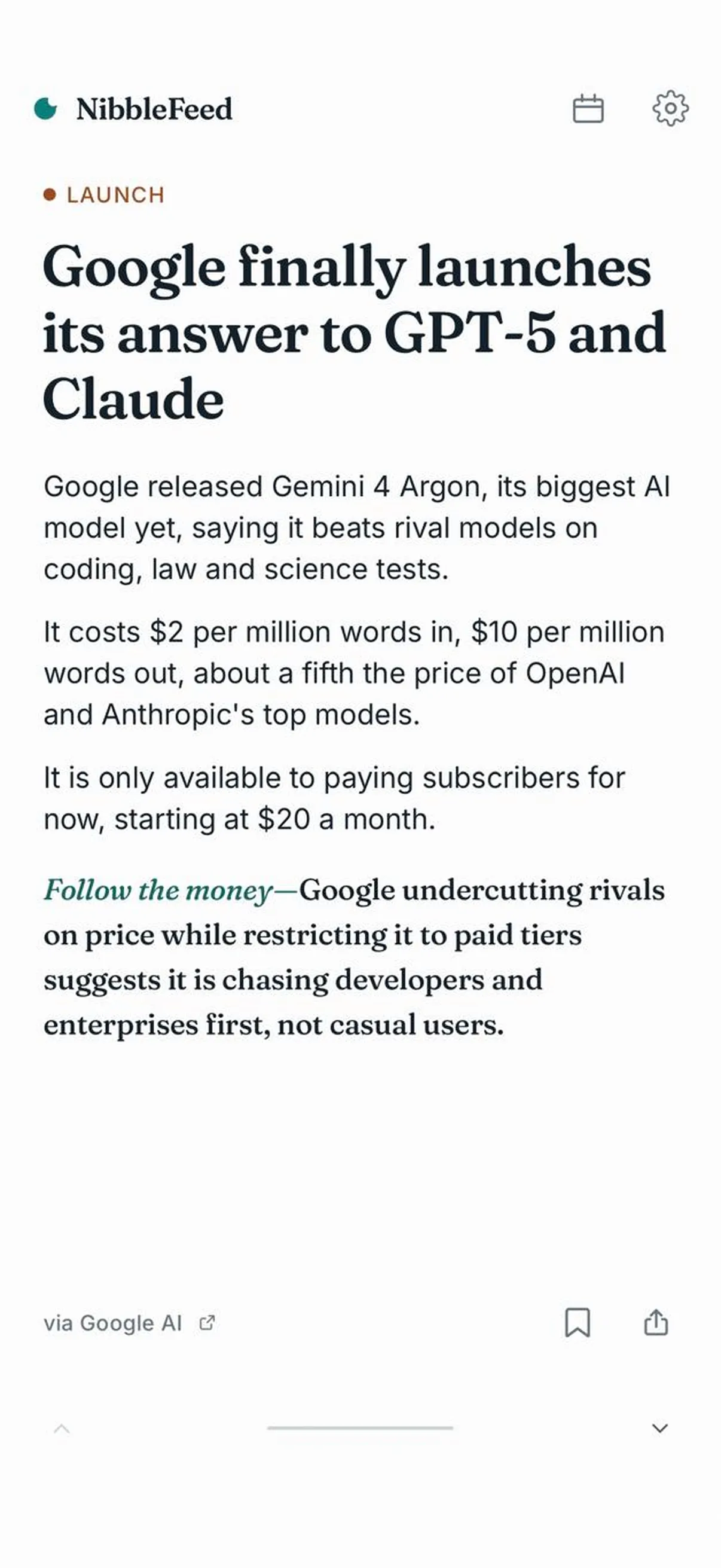
How it works
Three moves. That’s the whole app.
- 1
Read a card.
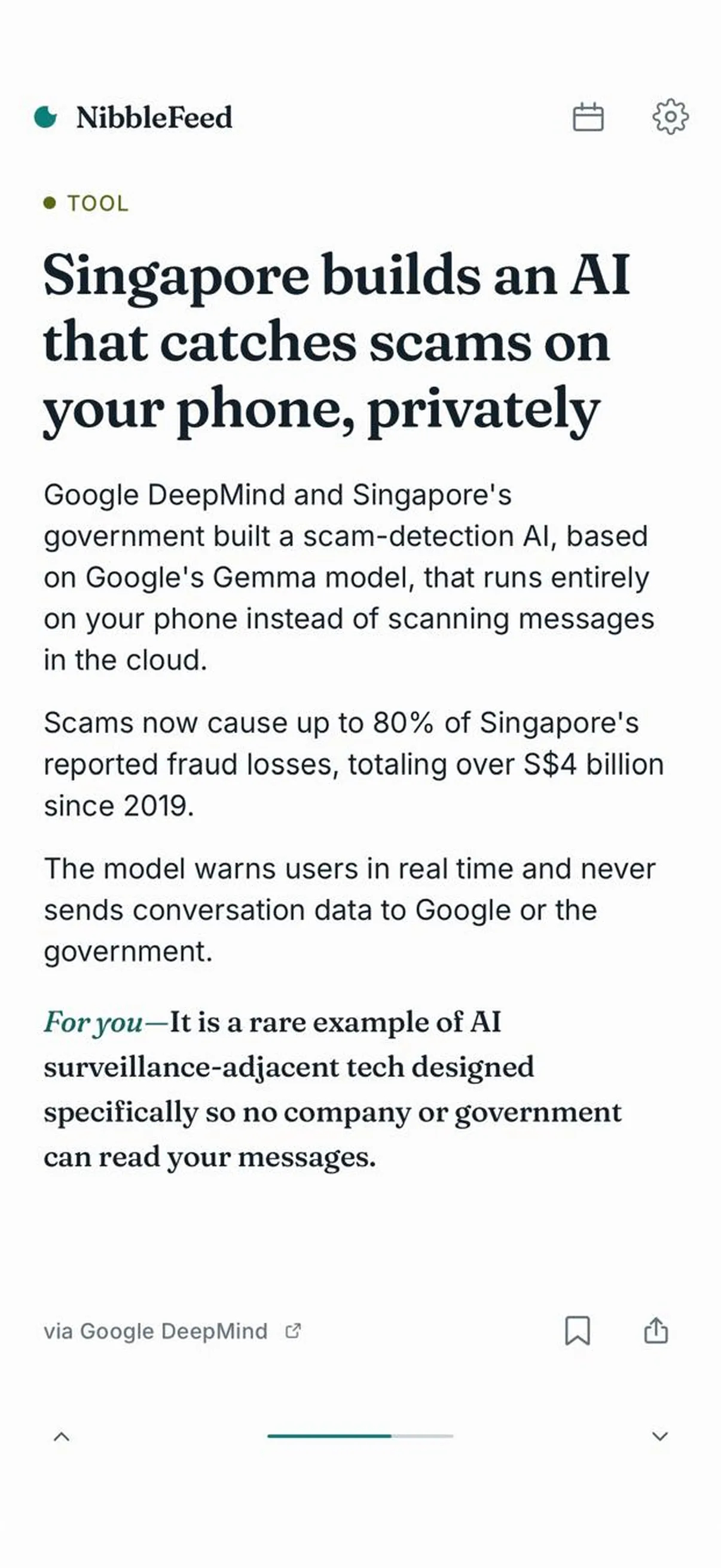
What happened, in a few short lines. Then one line on why it matters to you.
- 2
Tap the source.
Every news card names its publisher. Tap it and the full story opens right in the app. One tap brings you back.
- 3
Swipe to the next.
Swipe up for the next story. A handful a day, then you’re all caught up.
What you get
Everything you need to keep up. Nothing you don’t.
-
A feed that ends
A handful of cards a day, then “You’re all caught up.” No infinite scroll.
-
Why it matters, on every card
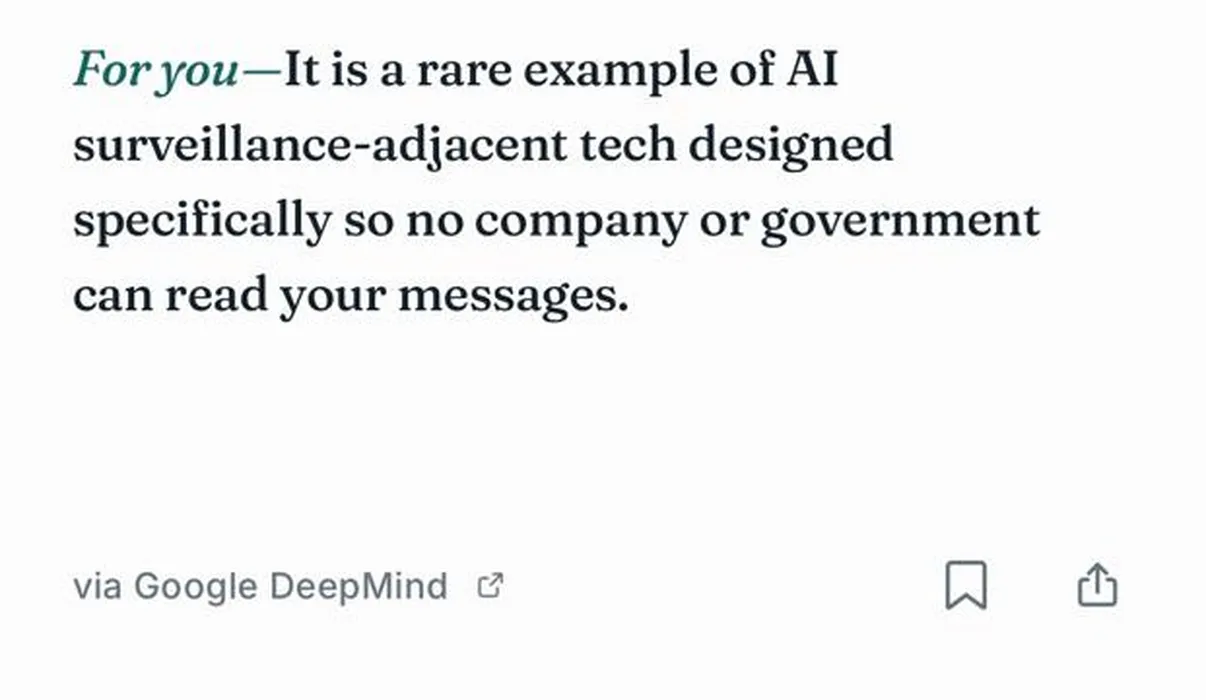
Each card closes with one line on what the story means for you, like “Follow the money” or “For you.”
-
The original, one tap away
Every news card names its publisher. Tap it and the full story opens inside the app.
-
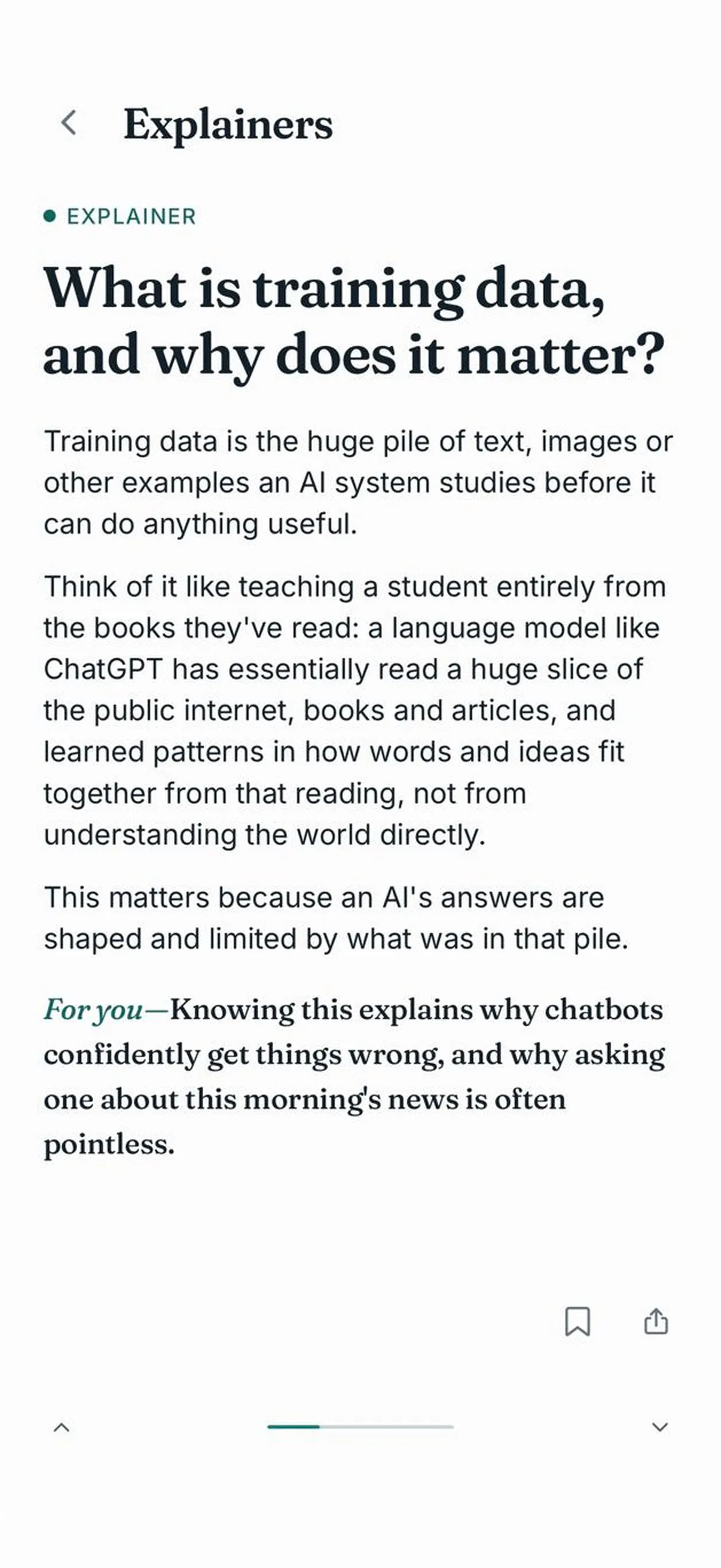
Plain-English explainers
Short explainers for the terms the news assumes you know, from training data onward.
-
Save and share
Bookmark a card to come back to later, or send it on from your phone’s share sheet.
-
Catch up on past days
Missed a day? Earlier feeds are a tap away from the calendar.
Light and dark mode. An optional daily reminder at 10:00, your time. Free, with no account.
Time saved
Knowing what AI can do is worth hours.
NibbleFeed keeps you current. This calculator estimates what putting AI to work on your own tasks could save each week.
Estimates shown as a range because real savings vary a lot. Figures are estimates informed by published research and assume AI output needs a quick review and edit, not a full redo. No task has been timed by us yet. Once one has, it will be marked Tested and link to the measurement.
Where these ranges come from
The estimates draw on public research on AI and productivity. A few of the anchor findings:
- Writing — professionals completed writing tasks about 40% faster with AI in a controlled study (Noy & Zhang, Science 2023); real-world workplace studies see nearer 25%.
- Coding & formulas — developers finished a bounded task 55% faster with an AI assistant (Peng et al., 2023), though complex real-world work sees far less.
- Customer support — AI raised agent productivity about 14% on average (Brynjolfsson et al., 2023).
- Knowledge work — consultants were ~25% faster with AI (BCG/Dell'Acqua, 2023); real-world surveys land around 2–5 hours saved per week.
- Summarizing — the biggest wins, since reading is the bottleneck; AI-assisted catch-up routinely cuts most of the time.
We show ranges rather than single numbers because savings depend heavily on the task, the tool, and how much editing the output needs. As we run our own timed tests, we replace these estimates with measured figures.
Sources first
Every story, credited.
Each news card names the publisher it came from and links straight to the original article, so you can always read the full story from the people who reported it.
Summaries are drafted with AI assistance from the linked source. Read our editorial standards.
AI news, in bites.
Free. No account. Nothing required. Just open it and read.
Coming soon to Android